

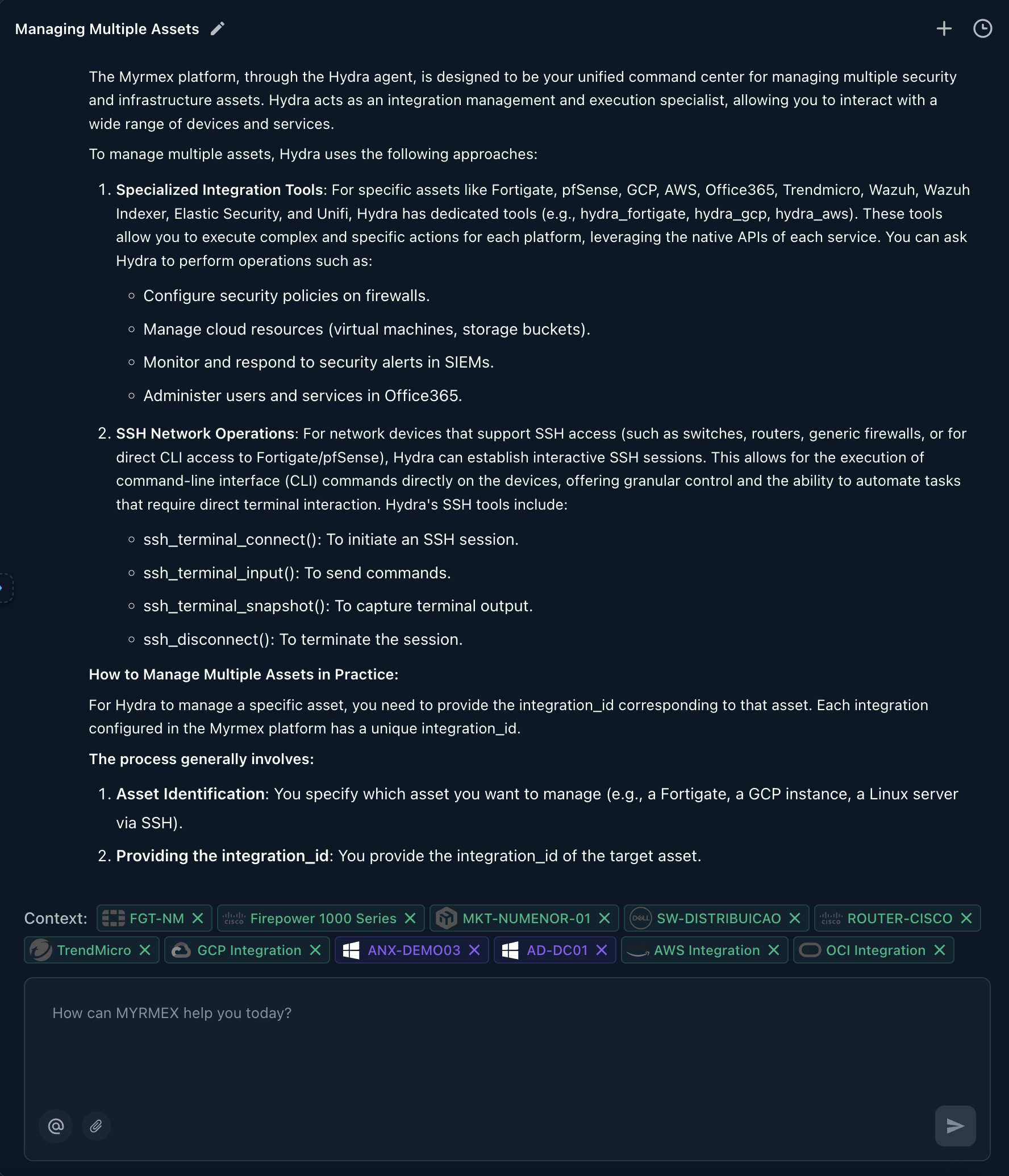
Specialized Integration Tools
For specific assets like Fortigate, pfSense, GCP, AWS, Office365, Trendmicro, Wazuh, Wazuh Indexer, Elastic Security, and Unifi, Hydra has dedicated tools (e.g., hydra_fortigate, hydra_gcp, hydra_aws). These tools allow you to execute complex and specific actions for each platform, leveraging the native APIs of each service. You can ask Hydra to perform operations such as:- Configure security policies on firewalls.
- Manage cloud resources (virtual machines, storage buckets).
- Monitor security events in SIEMs.
- Administer users and services in Office365.
SSH Network Operations
For network devices that support SSH access (such as switches, routers, generic firewalls, or for direct CLI access to Fortigate/pfSense), Hydra can establish interactive SSH sessions. This allows for the execution of command-line interface (CLI) commands directly on the devices, offering granular control and the ability to automate tasks that require direct terminal interaction. Hydra’s SSH tools include:- ssh terminal to initiate an SSH session.
- ssh terminal to send commands.
- ssh terminal to capture terminal output.
- ssh disconnect to terminate the session.
How to Manage Multiple Assets in Practice
For Hydra to manage a specific asset, you need to provide the integration_id corresponding to that asset. Each integration configured in the Myrmex platform has a unique integration_id. The process generally involves:- Asset Identification: You specify which asset you want to manage (e.g., a Fortigate, a GCP instance, a Linux server via SSH).
- Providing the integration_id: You provide the integration_id of the target asset.
- Defining the Action: You describe the action you want Hydra to execute (e.g., “list network interfaces”, “create a new VM”, “check the status of a service”).