

- RBAC (Role-Based Access Control): Defines who can do what and where — through roles, permissions, and asset groups.
- ABAC (Attribute-Based Access Control): Adds contextual conditions — time of day, source IP, MFA status, device type — through security policies.
Two Layers of Access Control
RBAC: Who Can Do What
Roles grant permissions (e.g.,
devices.read) scoped to specific organizations and contexts via Asset Groups. This is the base layer — without the right permission, access is always denied.ABAC: Under Which Conditions
Security Policies add environmental conditions on top of RBAC. For example: “Deny device access outside business hours” or “Require MFA for integration management.”
How they work together: RBAC is evaluated first. If a user has the required permission, ABAC policies are then checked. Both layers must pass for access to be granted.
RBAC: Roles, Permissions & Asset Groups
To effectively manage access in Myrmex, it’s important to understand the relationship between these three core components:Roles
Job Functions. A role is a collection of permissions that represents a job function (e.g., “SOC Analyst”, “Network Admin”). Users are assigned to roles.
Permissions
Granular Capabilities. A permission is a specific action on a resource (e.g.,
devices.read, integrations.execute). Roles contain permissions.Asset Groups
Scope Boundaries. While permissions define what you can do, Asset Groups define where you can do it — across organizations and contexts.
How RBAC Works
Myrmex calculates effective access by combining all assigned roles and their respective scopes:- Additive Permissions: Combine roles to grant additional capabilities.
- Cross-Functional Teams: Support users who work across multiple specialties or regions.
- Temporary Access: Easily grant and revoke additional access by adding/removing roles.
ABAC: Security Policies
Security Policies allow you to enforce conditions beyond simple role assignments. They operate on top of RBAC permissions to restrict or allow access based on environmental attributes.How Policies Work
Understand policy effects (deny/allow), targeting, priority, and how conditions are evaluated.
Available Conditions
Explore all condition types: source IP, time of day, day of week, MFA status, device type, and user agent.
Common Use Cases
Managing Policies
Step-by-step guide to creating, editing, and organizing security policies in the Myrmex interface.
Next Steps
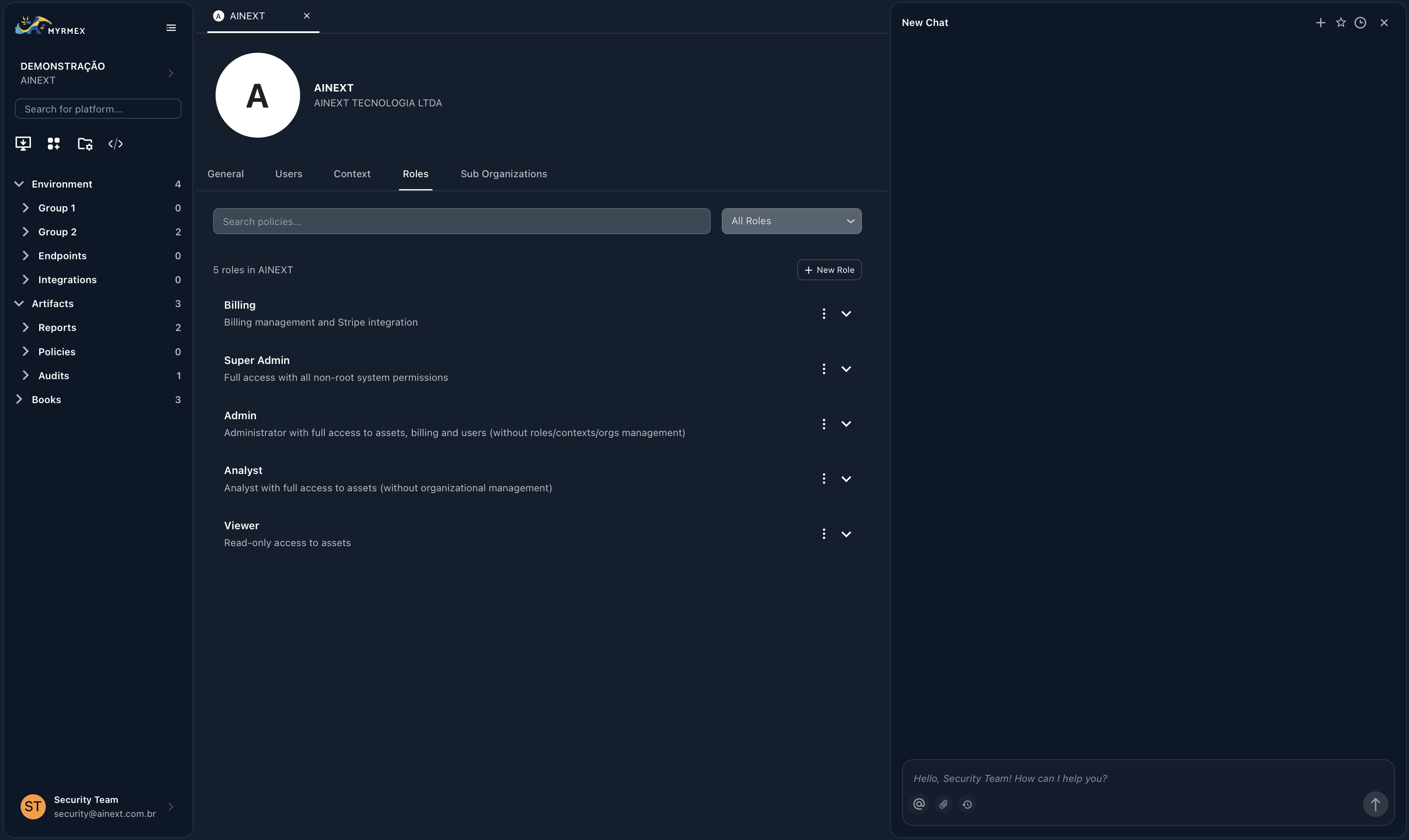
Native Roles
Learn about the five pre-configured roles available for every organization.
Permissions Reference
A complete list of the 81 granular permissions available in Myrmex.
Asset Groups
Understand how to control resource access via organizations and contexts.
Security Policies
Add conditional access rules with ABAC security policies.