

Condition Types
Myrmex supports six condition types, each with specific operators and value formats:- Source IP
- Time of Day
- Day of Week
- MFA Status
- Device Type
- User Agent
Source IP (source_ip)
Evaluates the client’s IP address against CIDR ranges or specific addresses.Common Patterns:
IPv4 addresses are supported with standard CIDR notation. The system extracts the client IP from the
X-Forwarded-For header or direct connection. Ensure your reverse proxy is properly configured for accurate IP detection.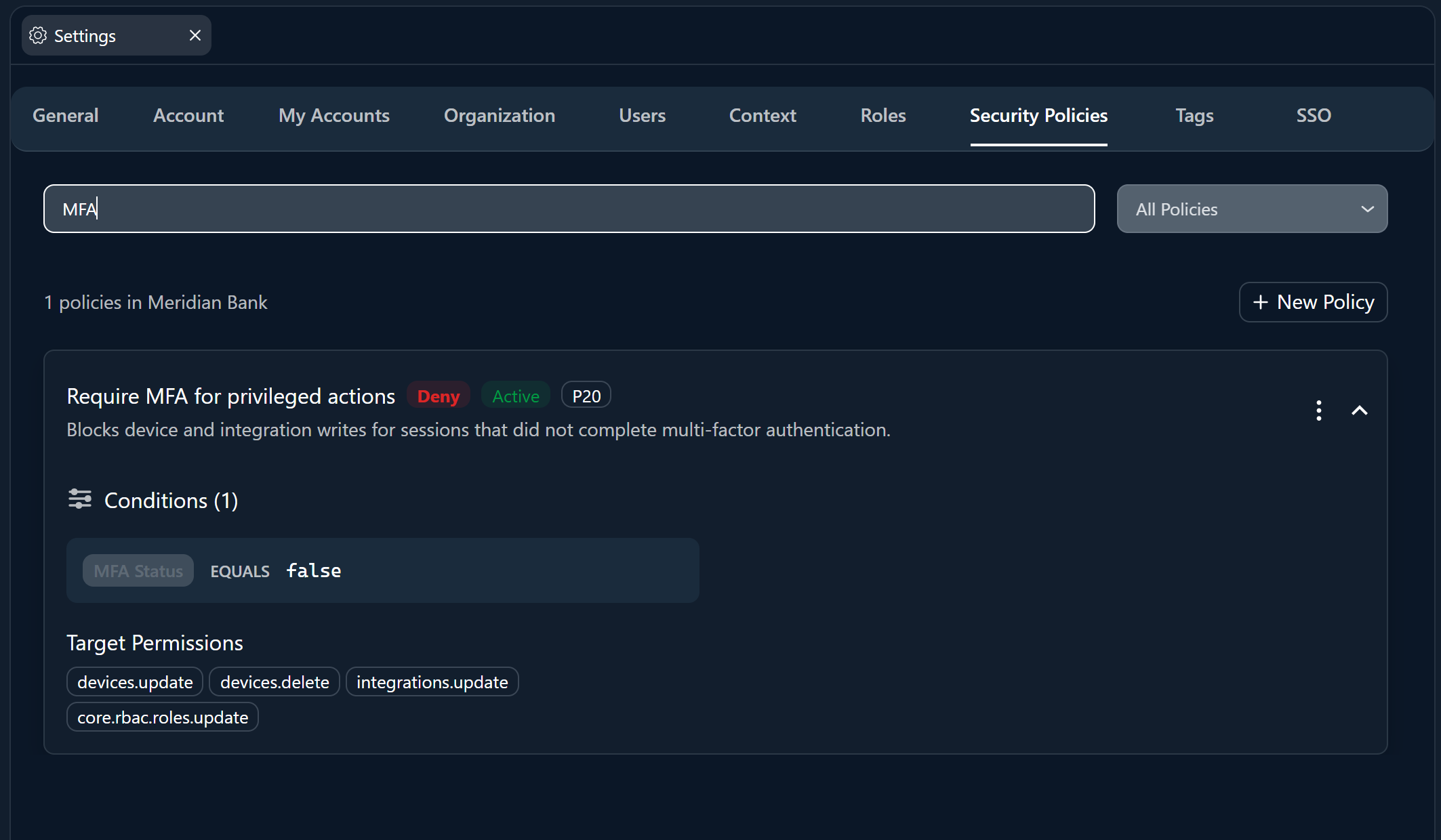
Combining Conditions
When a policy has multiple conditions, all conditions must pass for the policy to apply (AND logic).Example: Strict Corporate Access
A policy with these three conditions:
Meaning: Access is only allowed when:
- The request comes from the corporate VPN (
203.0.113.0/24), AND - The time is between 08:00–18:00 UTC, AND
- The user has completed MFA
Condition Compatibility Matrix
Not all operators work with all condition types. Use this matrix as a quick reference:Best Practices
Start with Deny Policies
Deny policies are safer and more predictable. They define requirements that must be met — if not, access is blocked. Use Allow policies only for special override scenarios.
Use Specific Targeting
Instead of applying policies to all permissions, target specific permissions or roles. This prevents unintended lockouts and makes policies easier to audit.
Test Before Deploying
Create policies targeting a single test user or role first. Verify the behavior, then expand the targeting to production roles.
Document Your Policies
Use the description field to clearly explain the business reason for each policy. Future administrators will thank you.
Next Steps
Managing Policies
Step-by-step guide to creating, editing, and organizing policies in the interface.
Security Policies Overview
Understand policy effects, targeting, and the evaluation flow.