

The Clipboard
Chat responses are full of things worth keeping — a table of findings, a JSON payload, a snippet of code, a diagram. Send to Clipboard from any message to drop that content into the Clipboard tab, where you can view, format, and reuse it away from the flow of conversation. The Clipboard holds a range of content types:- Text and Markdown
- Tables
- JSON
- Code blocks
- Mermaid diagrams
The Overview
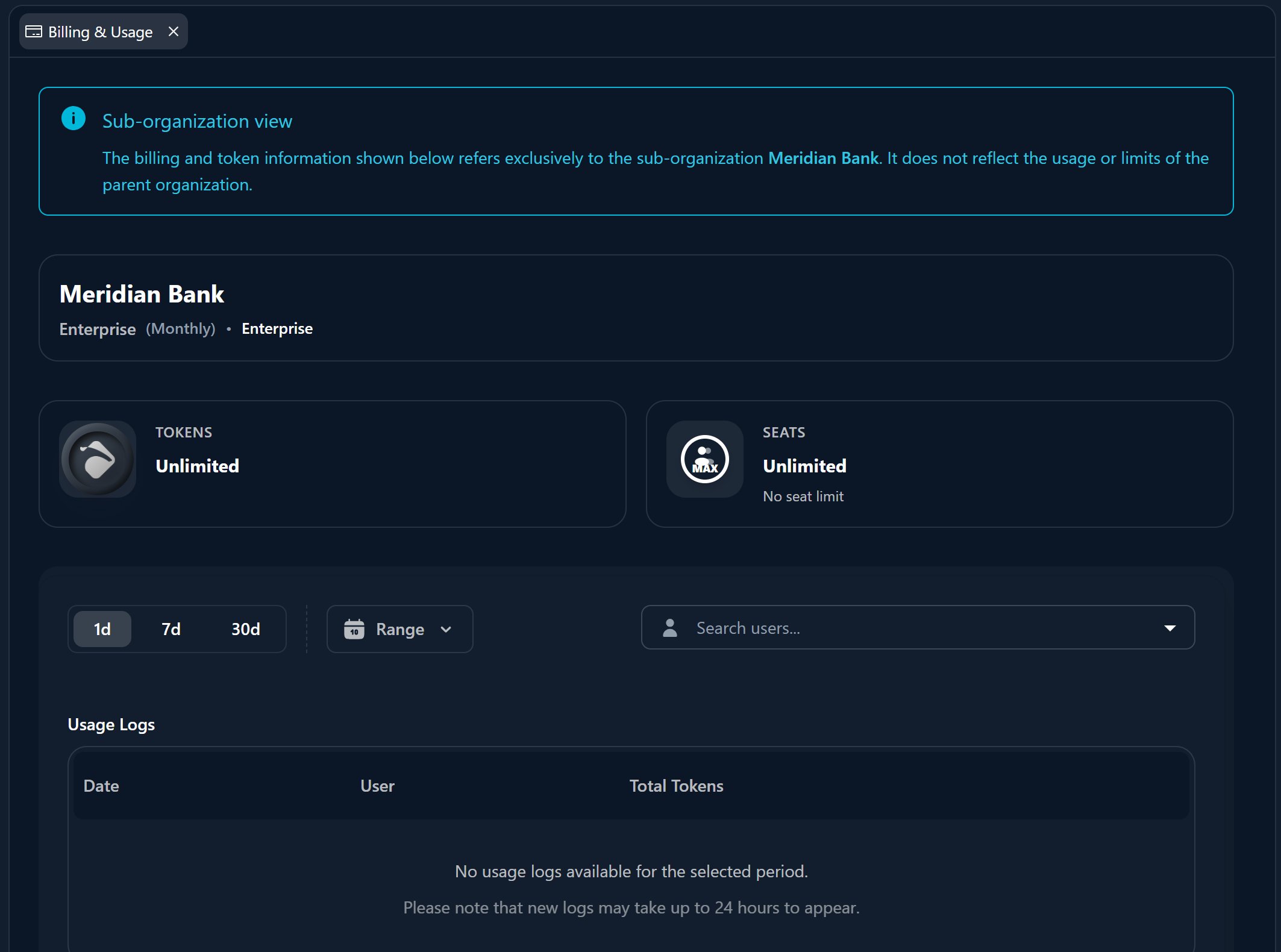
The Overview tab shows your usage logs — how much AI capacity your conversations have consumed. Track token and chat usage over the last 1 day, 7 days, or 30 days, broken down per user, so you can see who is using the platform and keep an eye on consumption over time.Usage in the Overview tab is scoped to the context you have selected, like the
rest of the Workspace.
Where to Go Next
Chatting with the AI
Where content is generated and sent to the Clipboard.
Tabs & split view
How the Clipboard and Overview fit among your other tabs.