

Frameworks covered
Security Posture aligns findings to these frameworks:- CIS — the Center for Internet Security benchmarks for hardened configuration.
- NIST — the U.S. National Institute of Standards and Technology cybersecurity guidance.
- ISO 27001 — the international standard for information security management.
- PCI DSS — the payment card industry data security standard.
- SOC 2 — the trust-services criteria for service organizations.
- MITRE ATT&CK — the adversary tactics-and-techniques knowledge base.
- AWS — cloud security and well-architected best practices for AWS.
- FedRAMP — the U.S. federal cloud security authorization program.
- CISA — U.S. Cybersecurity and Infrastructure Security Agency guidance.
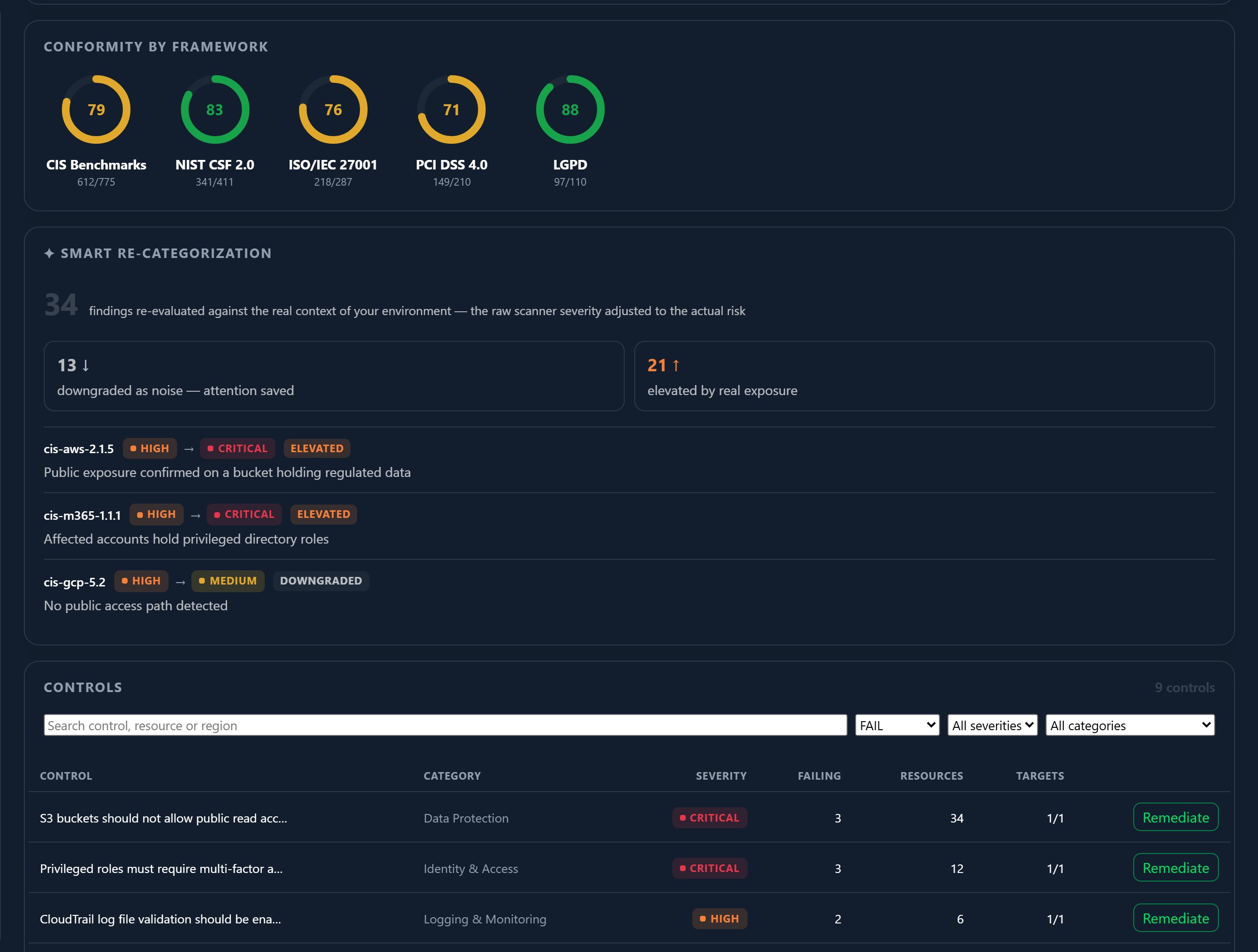
How findings map to frameworks
Each finding is tagged with every framework control it touches. That mapping does two things:- The heatmap rolls findings up per framework, so you can see where you’re strong and where you’re exposed against, say, PCI DSS versus CIS.
- The findings table lets you filter by framework, so you can pull every issue that affects a single standard — useful when you’re preparing for a specific audit.
How scanning works
Findings come from two kinds of scan:Continuous auditing
A rolling 24-hour audit keeps each enabled target’s posture current
without you having to do anything.
On-demand scans
Trigger a Run scan at any time from a target’s detail view when you
need a fresh result now.
What gets scanned
Two scanners feed Security Posture, covering both your cloud and your hosts:Cloud integrations
A cloud posture scanner audits your connected cloud accounts and
services. See Integrations.
Host devices
The Myrmex agent runs host-hardening checks on Windows, Linux, and
macOS endpoints.
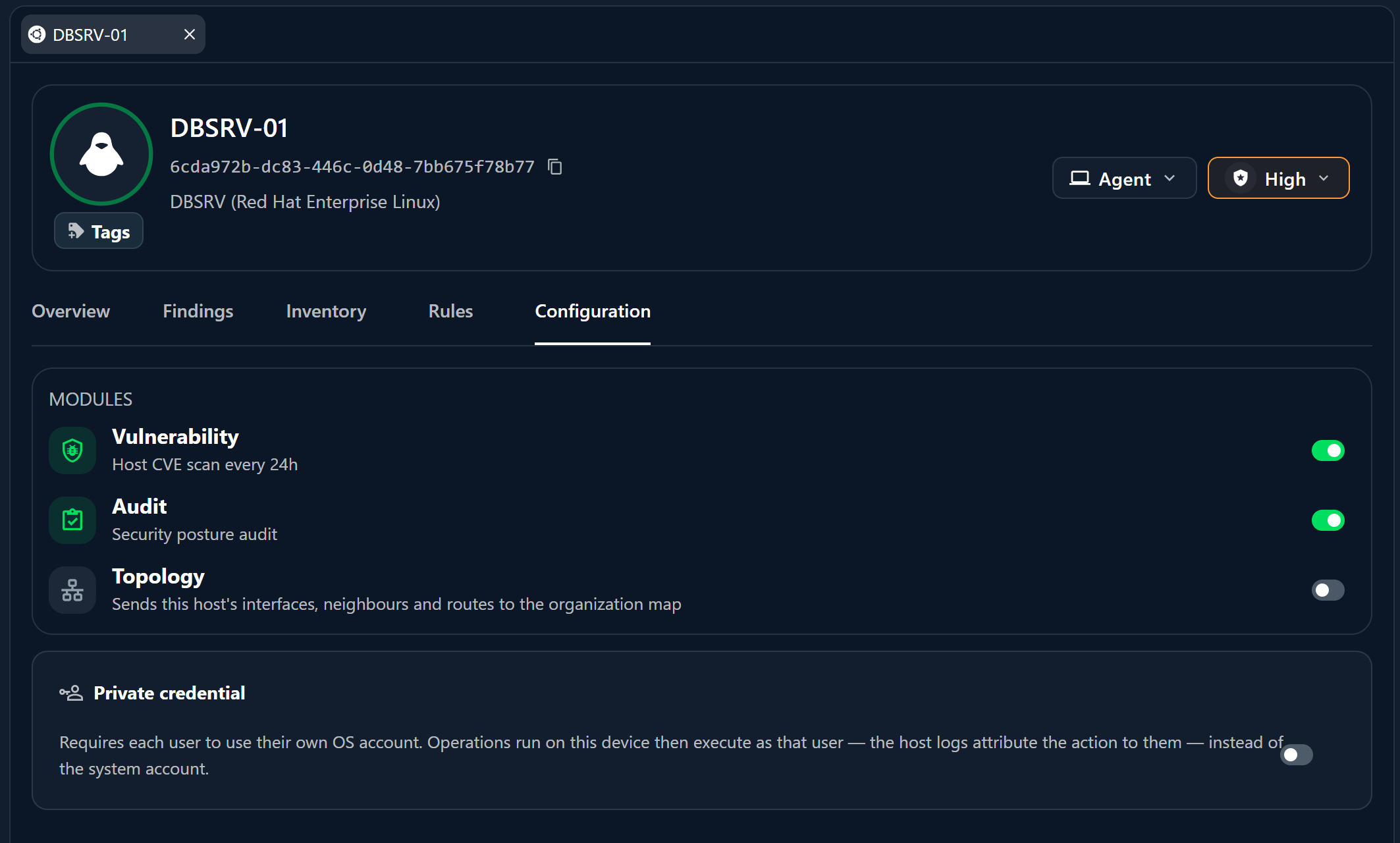
Enabling per-target auditing
Auditing is turned on per target, from that device or integration’s own detail view:1
Open the target
Open a device or integration from the Directory.
2
Go to its Security Posture tab
Each target’s detail view has a Security Posture tab.
3
Enable continuous auditing or run a scan
Turn on the continuous 24-hour audit, or trigger an on-demand Run scan
for an immediate result.
Posture scanning is proactive analysis. For active threats, alerts, and
investigations, see Detection & Response;
for the AI-driven audits you run directly in chat, see
AI-driven audits.
Where to go next
Security Posture
The scored dashboard, KPIs, and findings table.
Remediation & risk acceptance
Act on the findings a scan produces.