

Work Opens as Tabs
Almost every surface in Myrmex opens as a tab, and there are many kinds:- Device and integration details
- Reports, policies, and audit documents
- Playbooks, runbooks, and their executions
- Change management (GMUD) records
- Logs explorer, alerts, and investigations
- Security posture dashboards
- Learning and product tours
- Folder management, audit logs, updates, and settings
Tabs let you reach modules that have their own documentation elsewhere —
Alerts, Security Posture, Reports, Automation, and Change Management (GMUD)
each open here as a tab within the context you have selected.
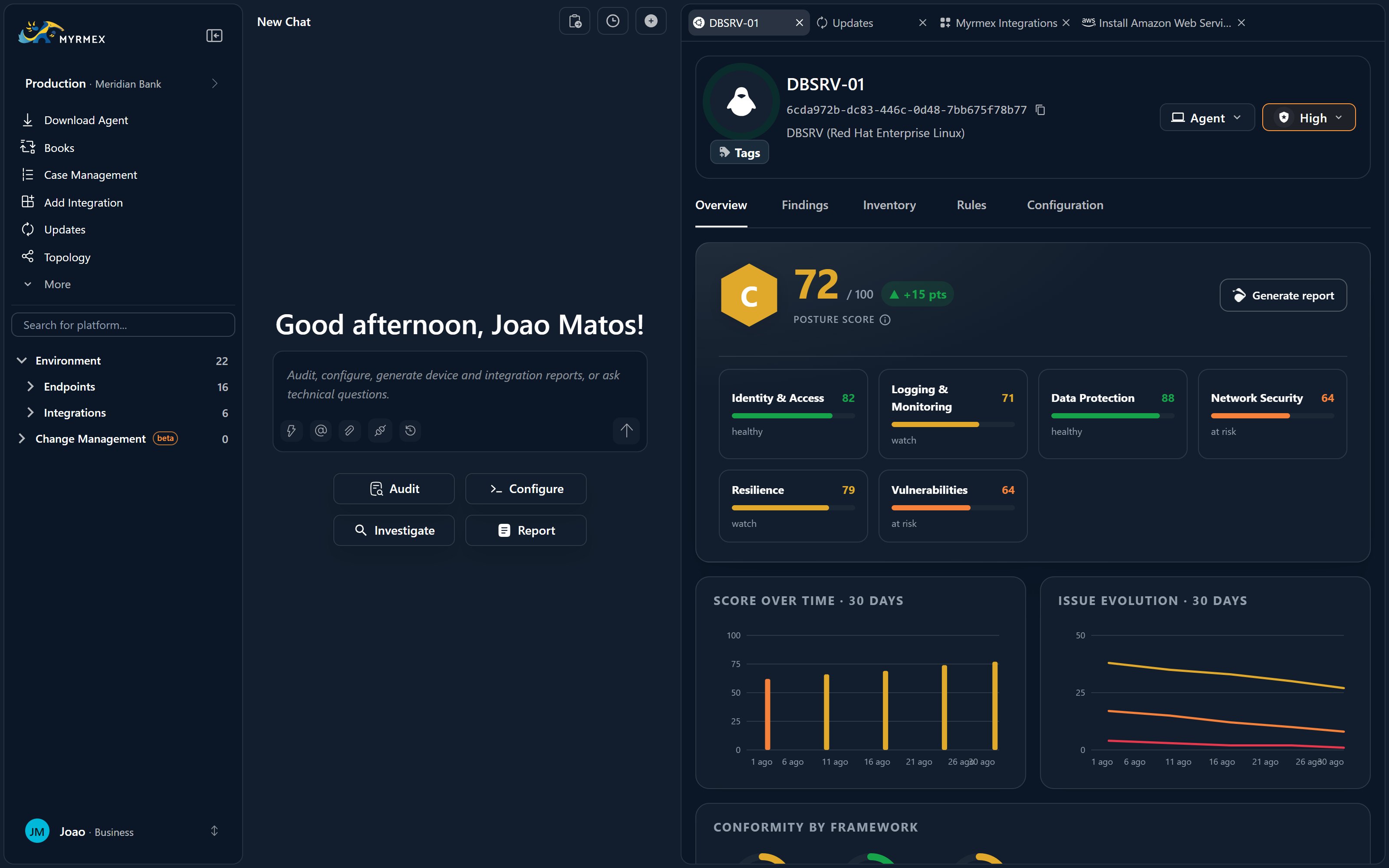
Split View
For side-by-side work — comparing two devices, or reading a report while you chat — open Split View from the top-right of the Workspace header. It divides the Workspace into two independent panes, and you can drag and drop tabs between them.Split View needs room. The button becomes active only when your screen is at
least 1,900 px wide and the Workspace panel occupies at least 60% of
the screen — so close or narrow the side panels if you don’t see it.
Where to Go Next
Clipboard & usage
The Clipboard scratchpad and the Overview usage tab.
Live reasoning & panels
See how terminals, dashboards, and reports open as you chat.